Resources
Section 1 Introduction
There are loads of free software apps out there that can help you with creating content for your website (and other things).
Beware of some saying "Free" when they are actually just free trials then payment kicks in.
If you are ever on the hunt for free software always search for "Free Open Source".
Below I will suggest some completely free open source tools you can download and use (I use them myself).
Section 2 Image Editors
Download GimpGimp has been around since 1996 and has grown to include features only found in expensive commercial software.
Gimp can appear a bit daunting, however it is well worth sticking with it and there are loads of tutorials online.
 Download Photodemon
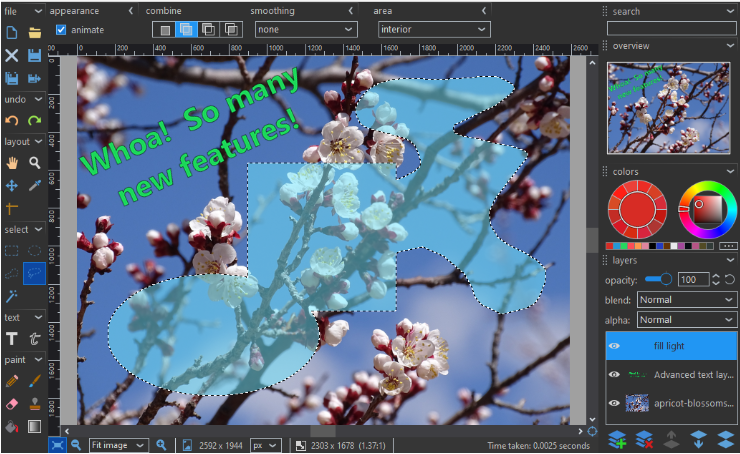
For an easier to use but still fairly powerful alternative, try photodemon.
photodemon has been around since 2012 and has all the tools that most peoople will need.
Section 3 Video Editors
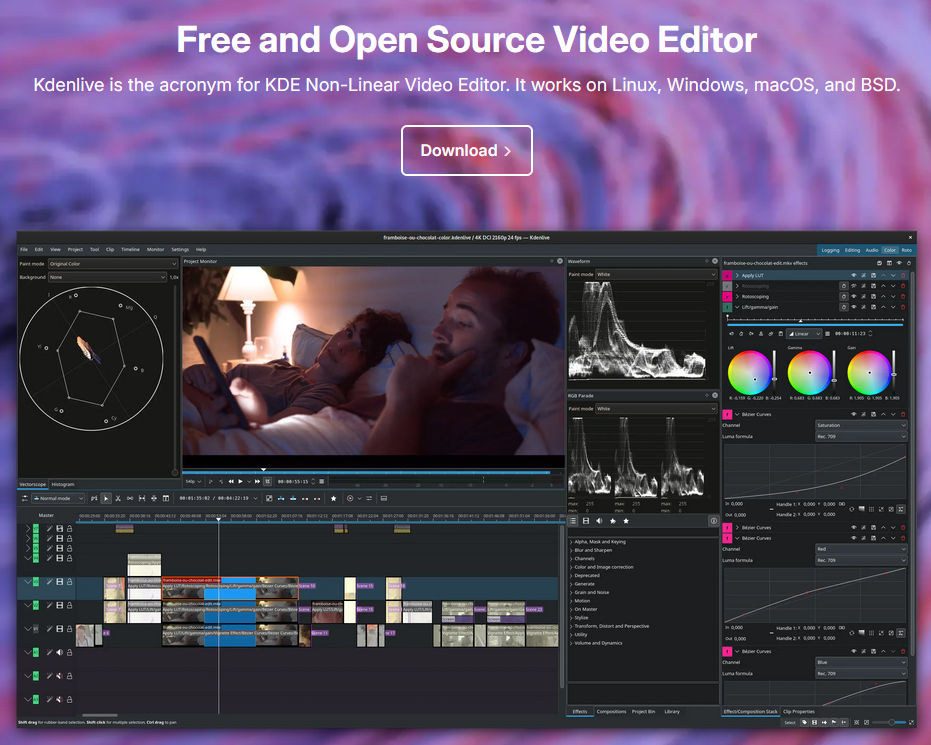
Download KdenliveKdenlive is a professional style video editor first released in 2003.
Everything seems difficult to use if you have never used anything like it before, but it is well worth sticking with it.
You can find tutorials online
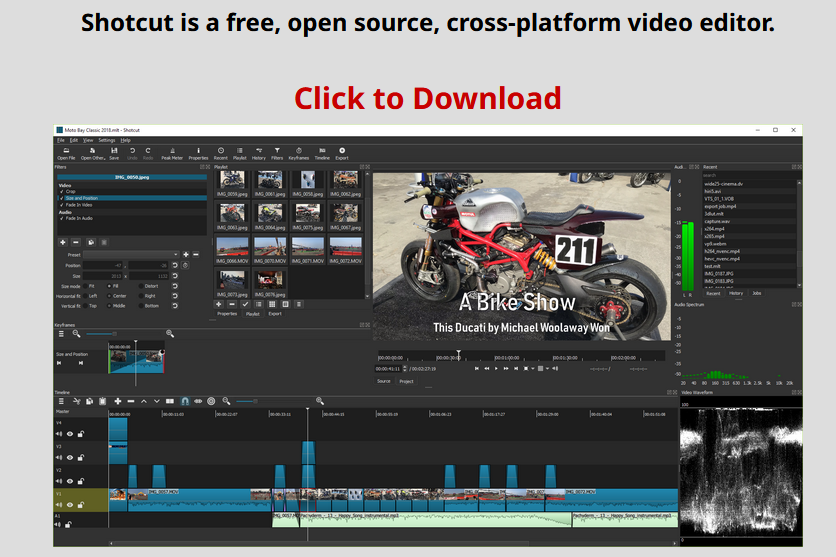
 Download Shotcut
Shotcut first appeared in 2004 then it was updated and re-released in 2012.
This is an easier to use editor and has all the features that most people will need.
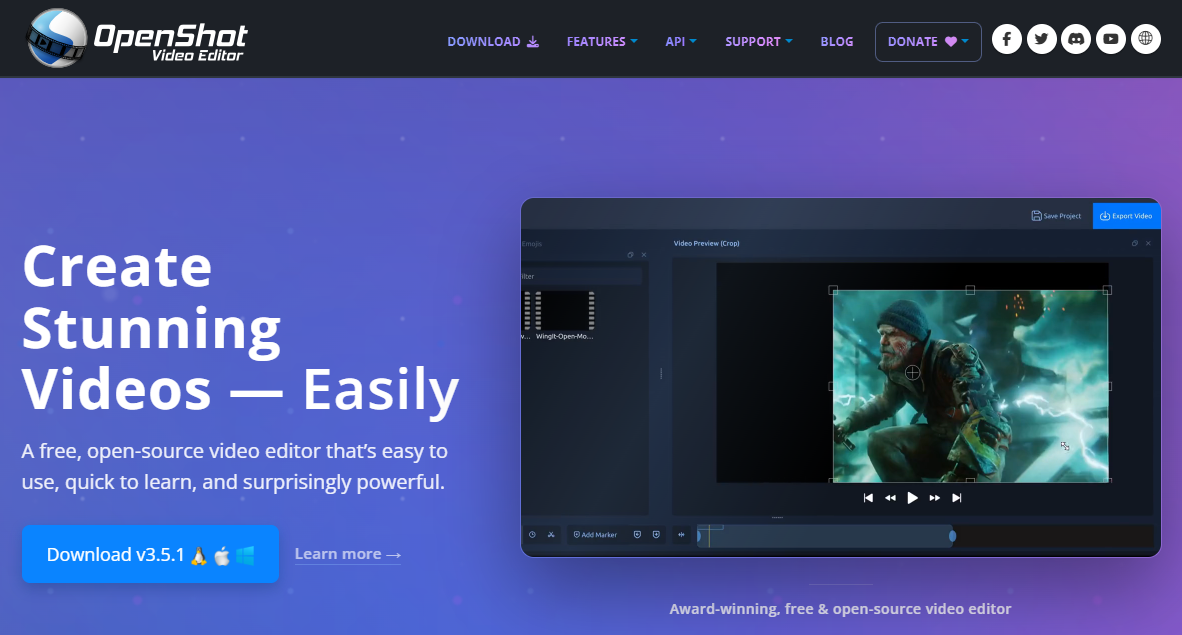
 Download Openshot
Openshot first appeared in 2010.
It is another good and fairly easy to use video editor.
The download site annoys me. They use one of those cookie selectors with no reject all feature where you have to spend around 20 mins rejecting them one at a time.
Section 4 AI
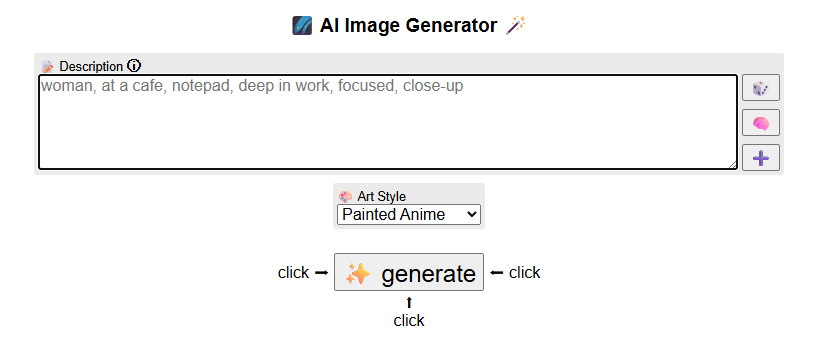
Try PerchanceThere are loads of online AI image/video generators and most have free levels once you sign up using your credit card and allow so many images etc per day.
Some like ChatGPT or Co-pilot allow free image generation but will stop for a day if you use them too much.
Perchance is a completely free online AI image generator and so far it is the only one i can find.
Download Pinokio
If you have a half decent graphics card in your computer "at least 8gb Vram", then you can try out Pinokio.
Pinokio is a platform that allows you to install AI packages into itself.
There are many for image generation, video generation and even music generation.
Everything runs from your local computer and info and data is not stored on servers like with all online AI (apart from Perchance).
If you have the computer resources then it is well worth looking at.
Section 5 Download/Resell
You can download your entire website and run away to another host service for a fee of £20.
You can also create many sites and download for £20 each if you wish to resell the sites elsewhere..
Go to Save Menu on top menu bar, you will see the option Download website £20.
This will take you the payment section, once you have paid you will receive a download link, its as simple as that.
Section 6 Tips
Section 7 Directory
The directory is a page that shows all the web sites created using the systyem.
You can select by area and category and also search for sites on the page.
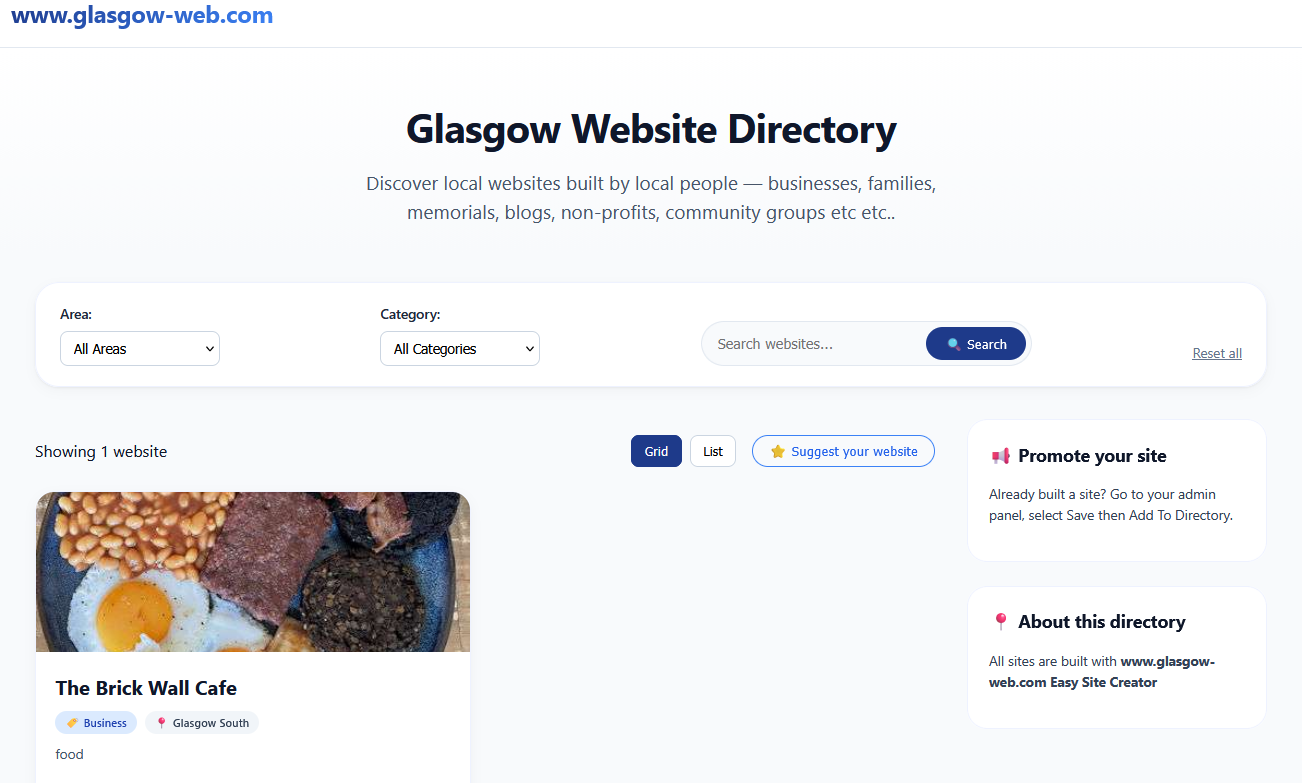
You can add your own site to this directory free of charge.
On your admin page, go to "Save", then choose "Add To Directory".
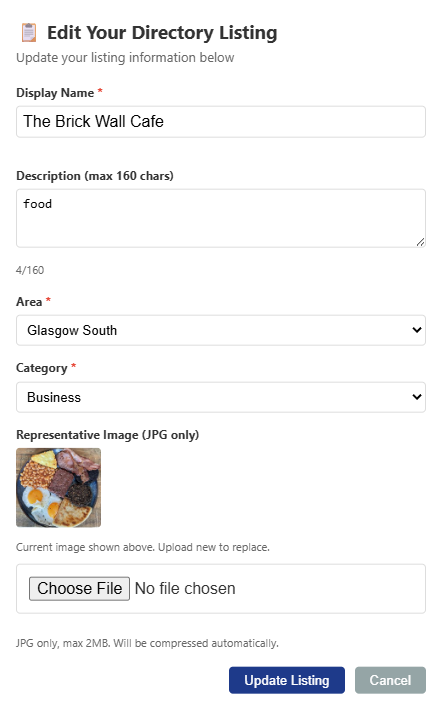
You will be shown a form (as in image below).
Complete the form and submit.
In the description use some words that people can search by like (Cafe in Castlemilk).
Uploaded image should reflect your site, possibly a screen grab converted to jpg.
Description and image are not required but it is a good idea to have a description so that people can find you.