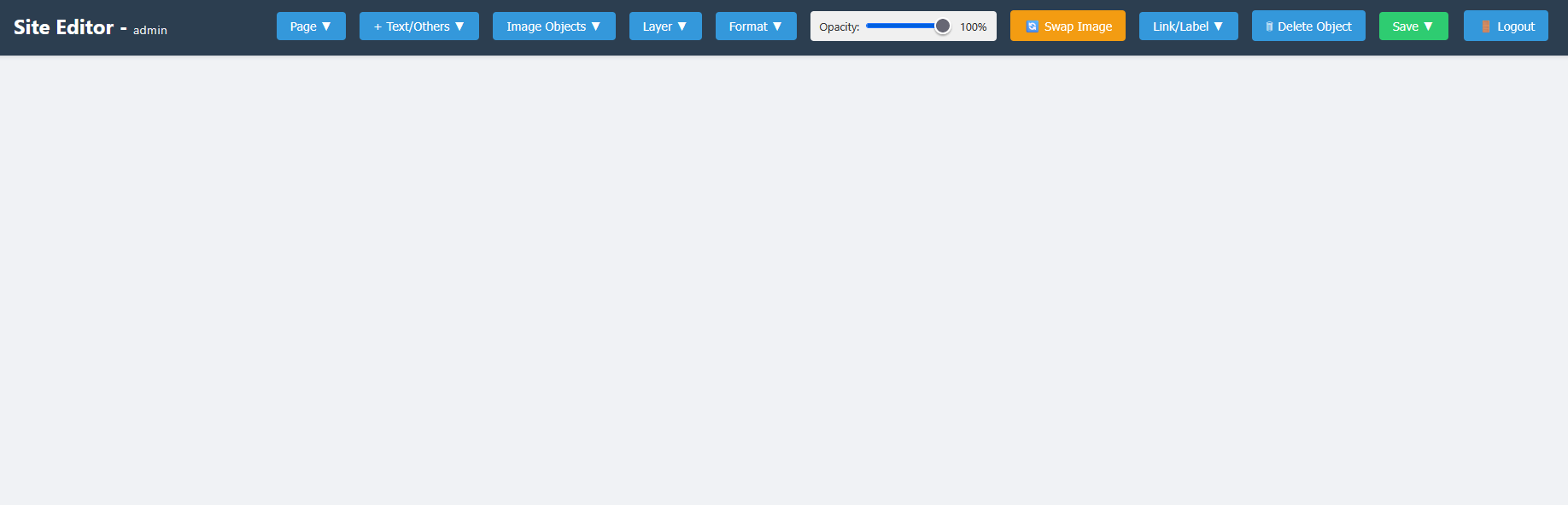
Getting Started
How to get Started with registration, payment, login and demo
Section 1 Register
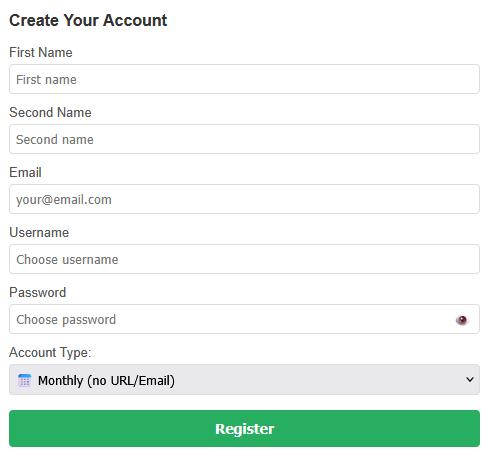
Open join now page and fill in the form. You must provide your real email address and fill in all sections.
Choose username and password carefully and remember to keep them somewhere.
At the end, choose the plan you require :
1. Monthly with no url £10 per month.
2. Monthly with url & email address £30 (includes first month) then £10 per month.
3. Annually with url & email address £130 (includes first year) then £100 per year.
Section 2 Try It Out
Open the Live Demo page and you can try out some of the features available.

Section 3 Login
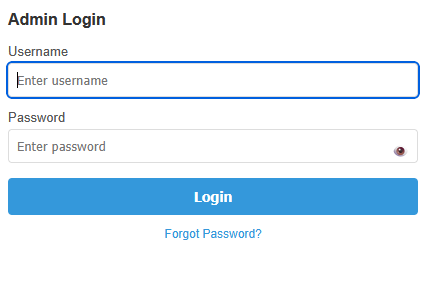
Once your account is acivated (payment received). You will automatically be redirected to the login page.
Use your Username & Password to login.
If you forget your password:
1. Click forget password on login panel.
2. Verify your registered email address.
3. An email will be sent to reset password.
Section 4 Admin Panel
After you login you will be presented with the admin panel.
Click on admin panel in the page menu at top right of this page for further information.